3D-Pi Fleet Management Suite in screenshots
Every printer, camera, job, spool, team member and price quote, in one system. These screenshots come from working installations of 3D-Pi.
Printer, product, customer and staff names are replaced with placeholders, and camera pictures are blurred, except in the AI examples. The Data screens use the system's built-in sample data.
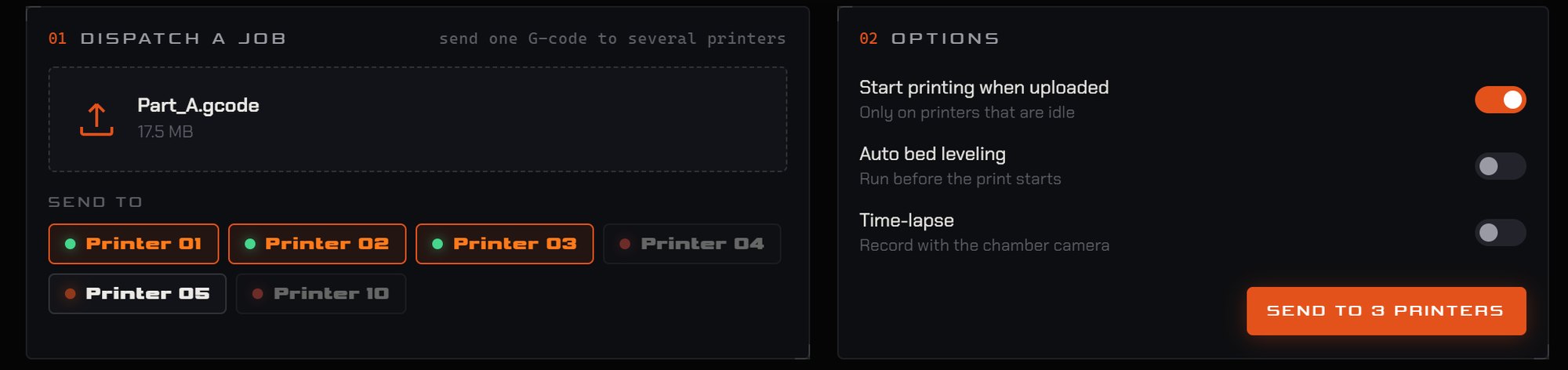
Fleet Overview + Batch Upload
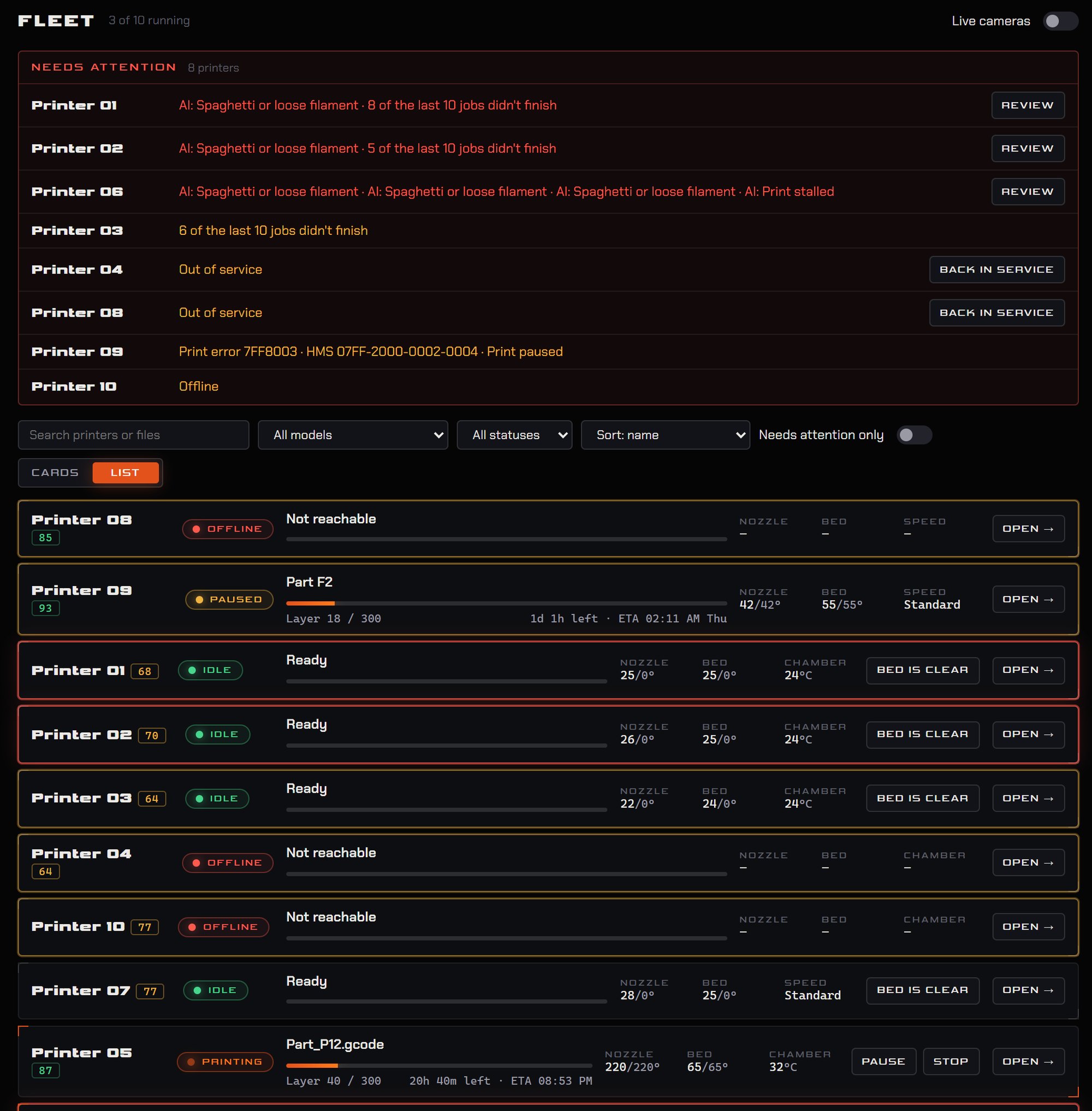
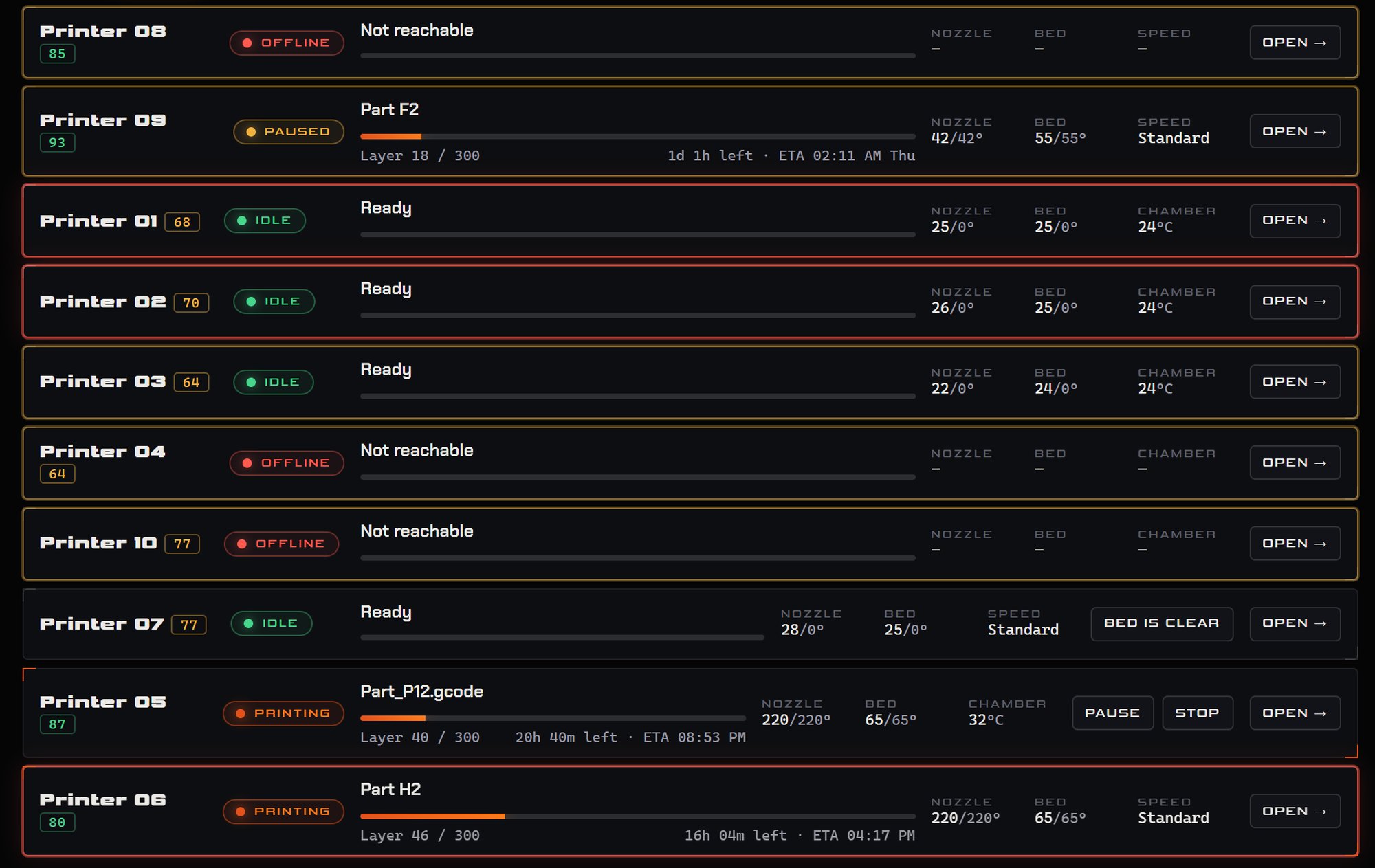
Base packageEvery printer on one screen with its live status. Anything that needs a person rises to the top, and one G-code can be sent to many printers in a single step.
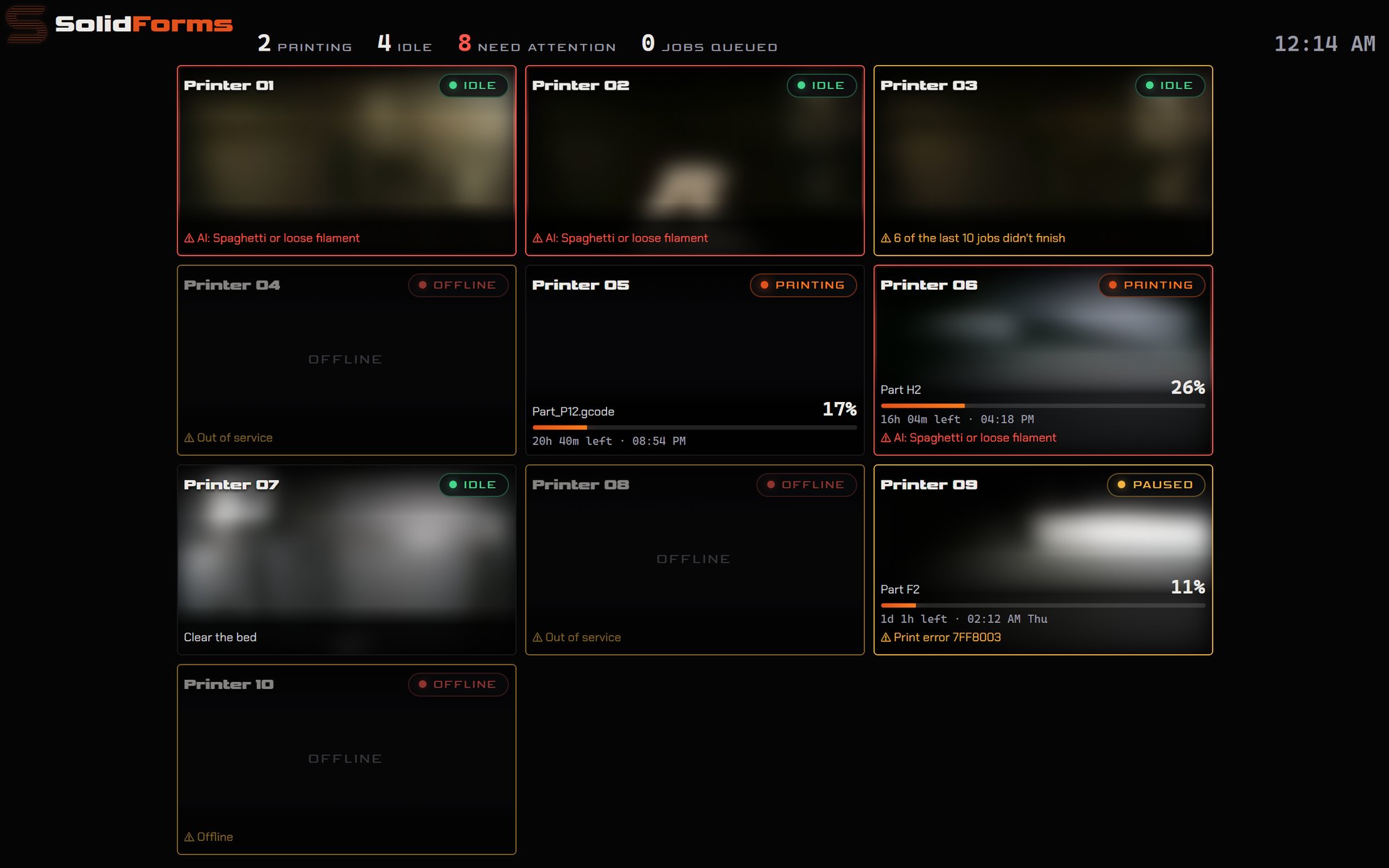
Unified Interface of Cameras
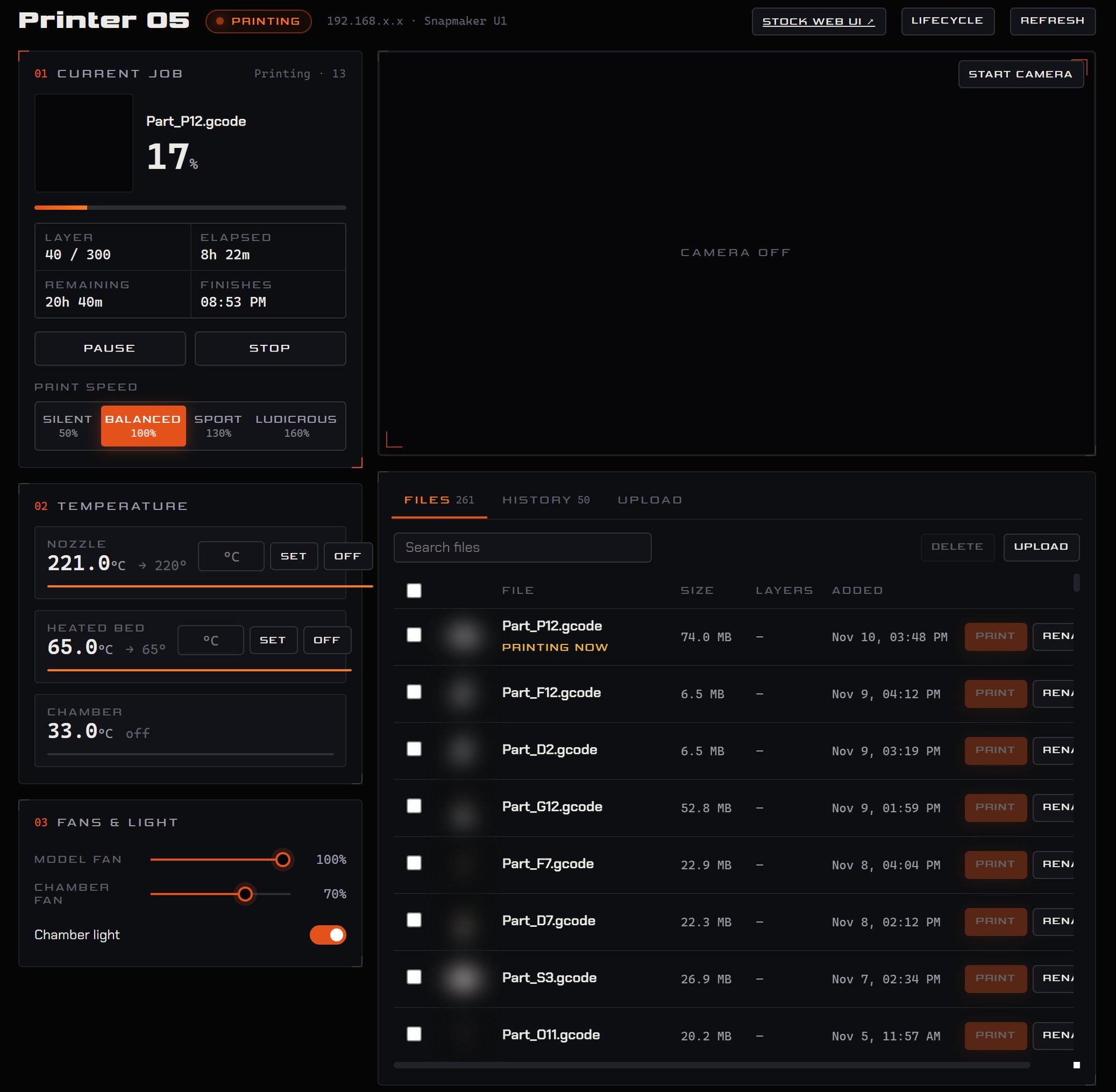
Base package · per cameraAll printer cameras, from different brands, in one live wall with each printer's status on top. Ideal on a workshop TV.
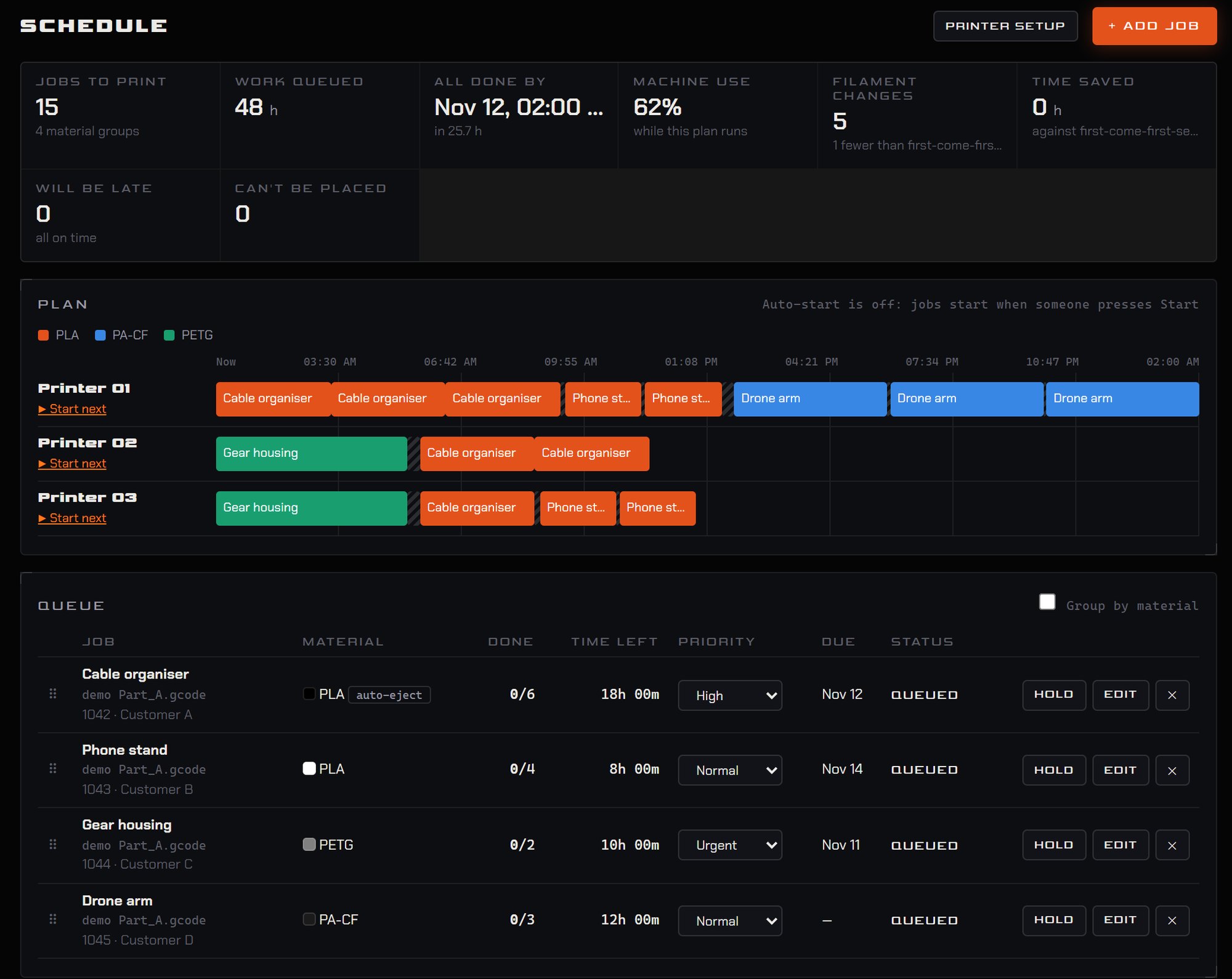
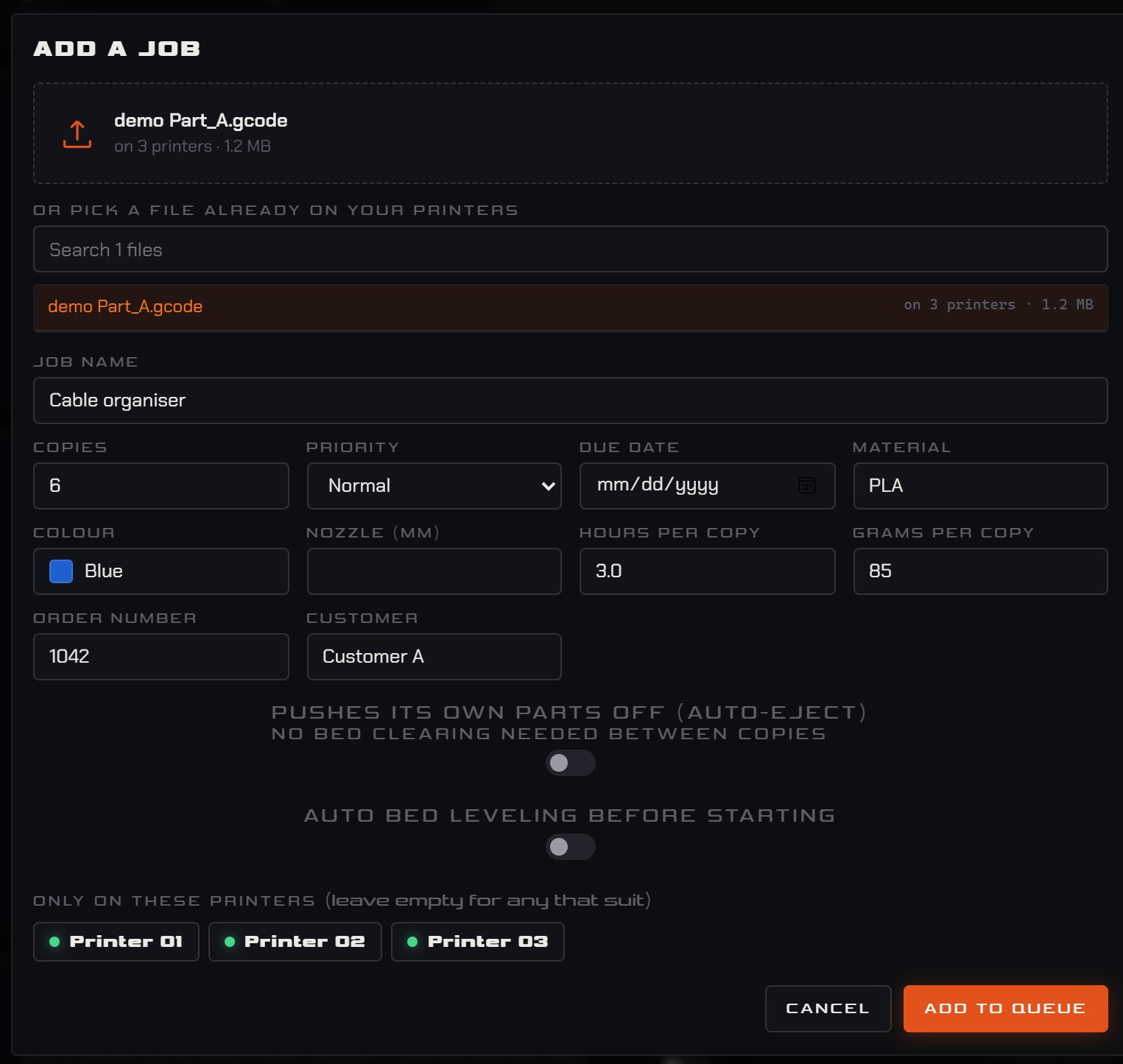
Job Scheduling
Base packageA queue that picks the right printer for each job, plans the whole fleet on a timeline and flags anything that will be late.
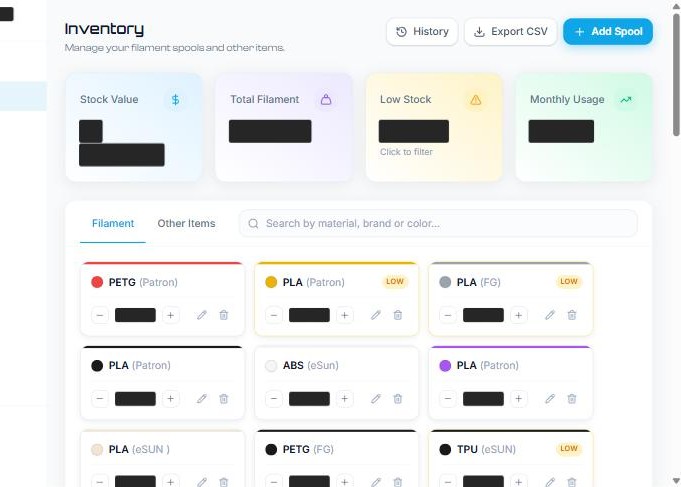
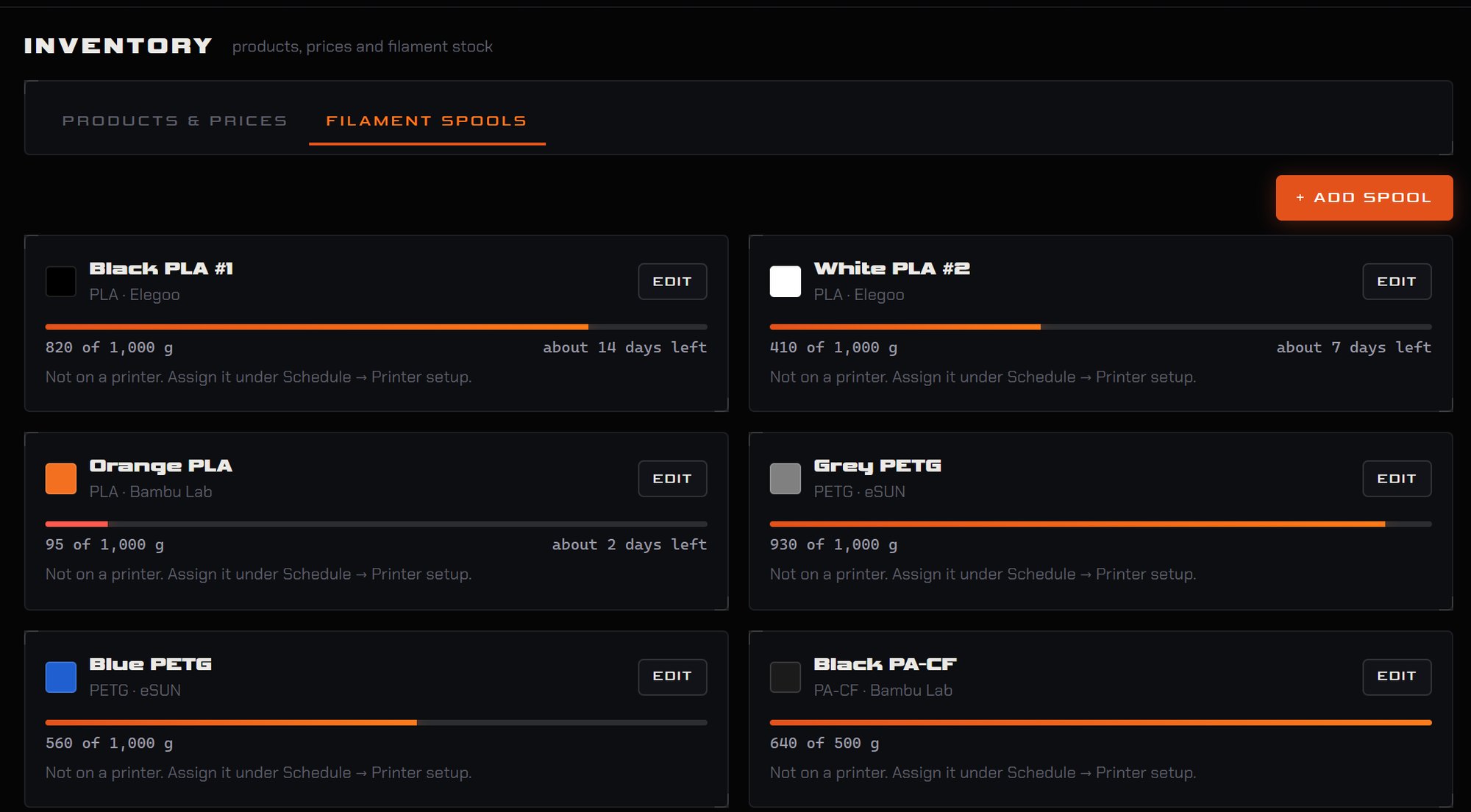
Filament Inventory
Base packageEvery spool tracked by material, brand and colour, with low-stock warnings and an estimate of how long each spool will last.
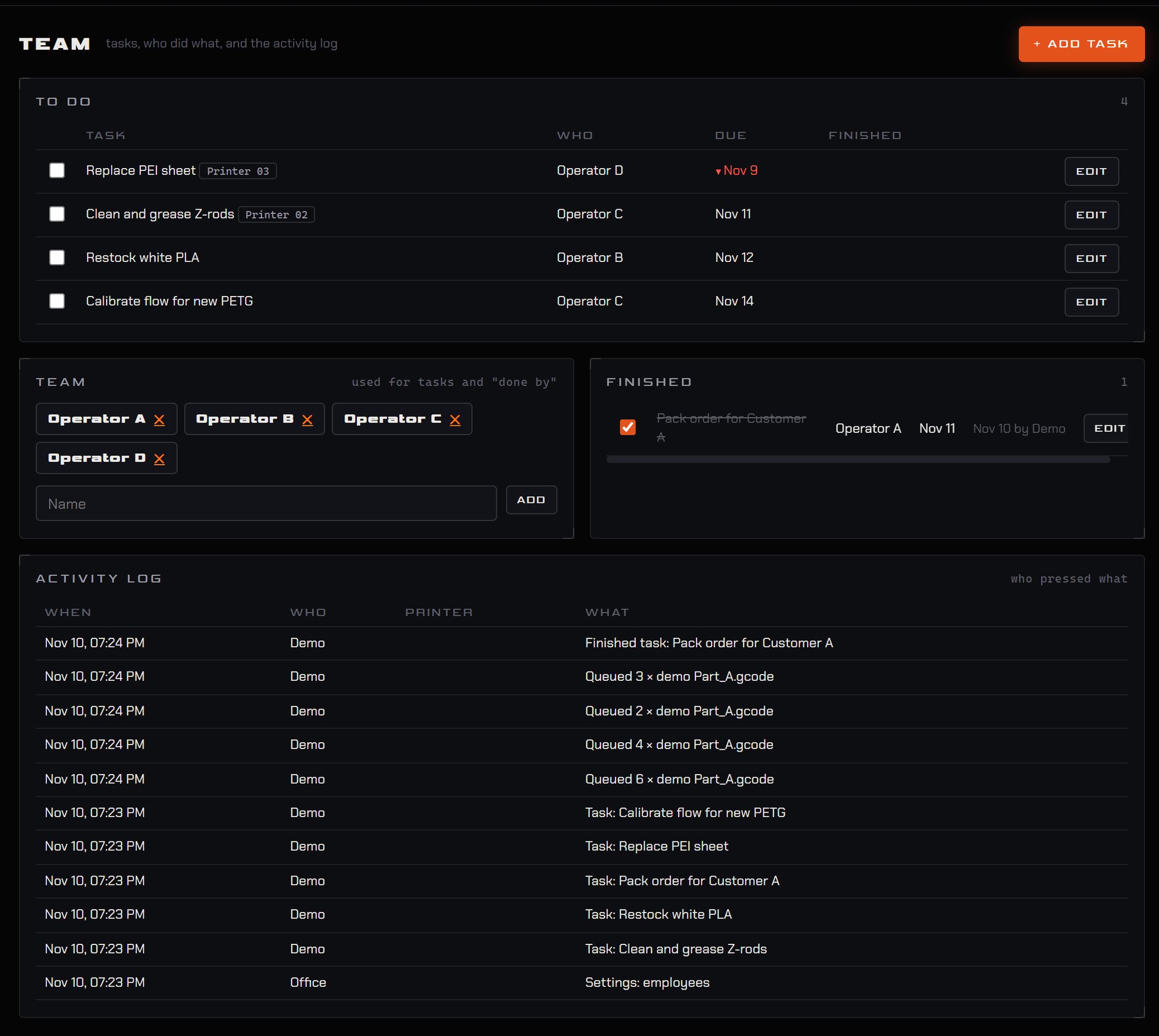
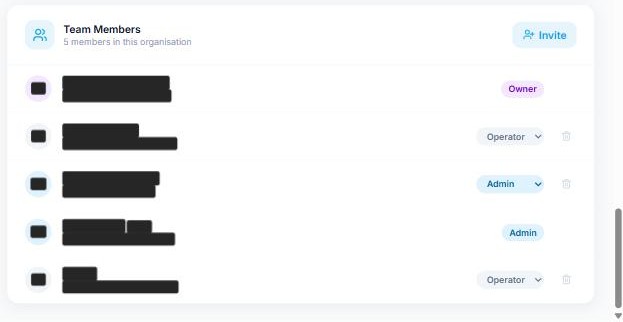
Team Members + Tasks
Base packageTasks assigned to people, roles for each member, and an activity log of who did what and when.
FDM Pricing Engine
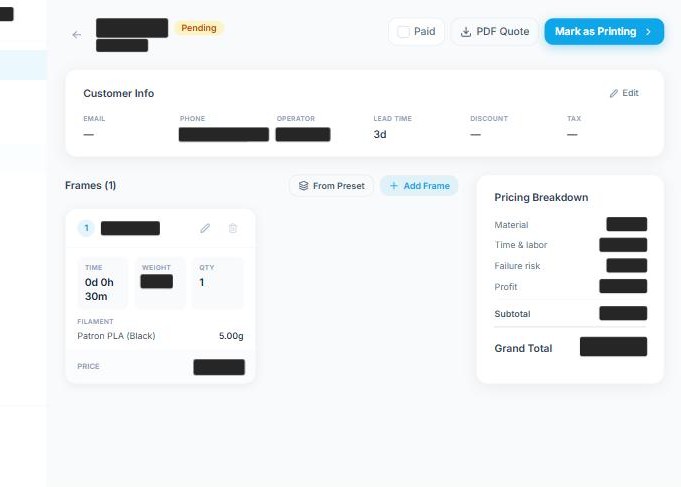
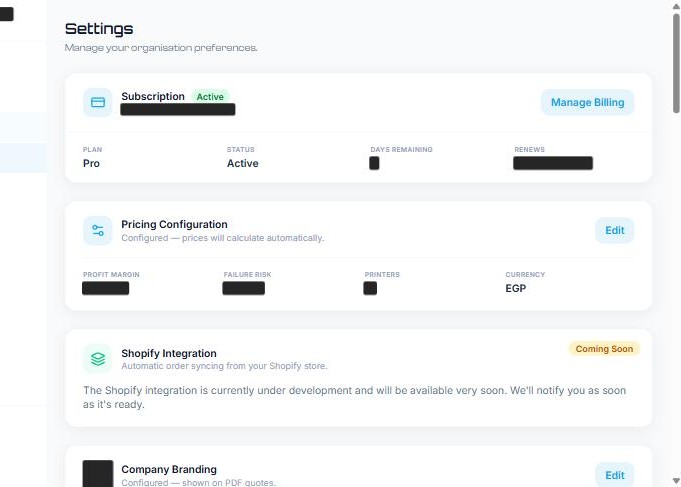
Base packageConsistent prices for every FDM order from print time, weight and filament, with a full breakdown and a branded PDF quote.
Advanced Data Analysis
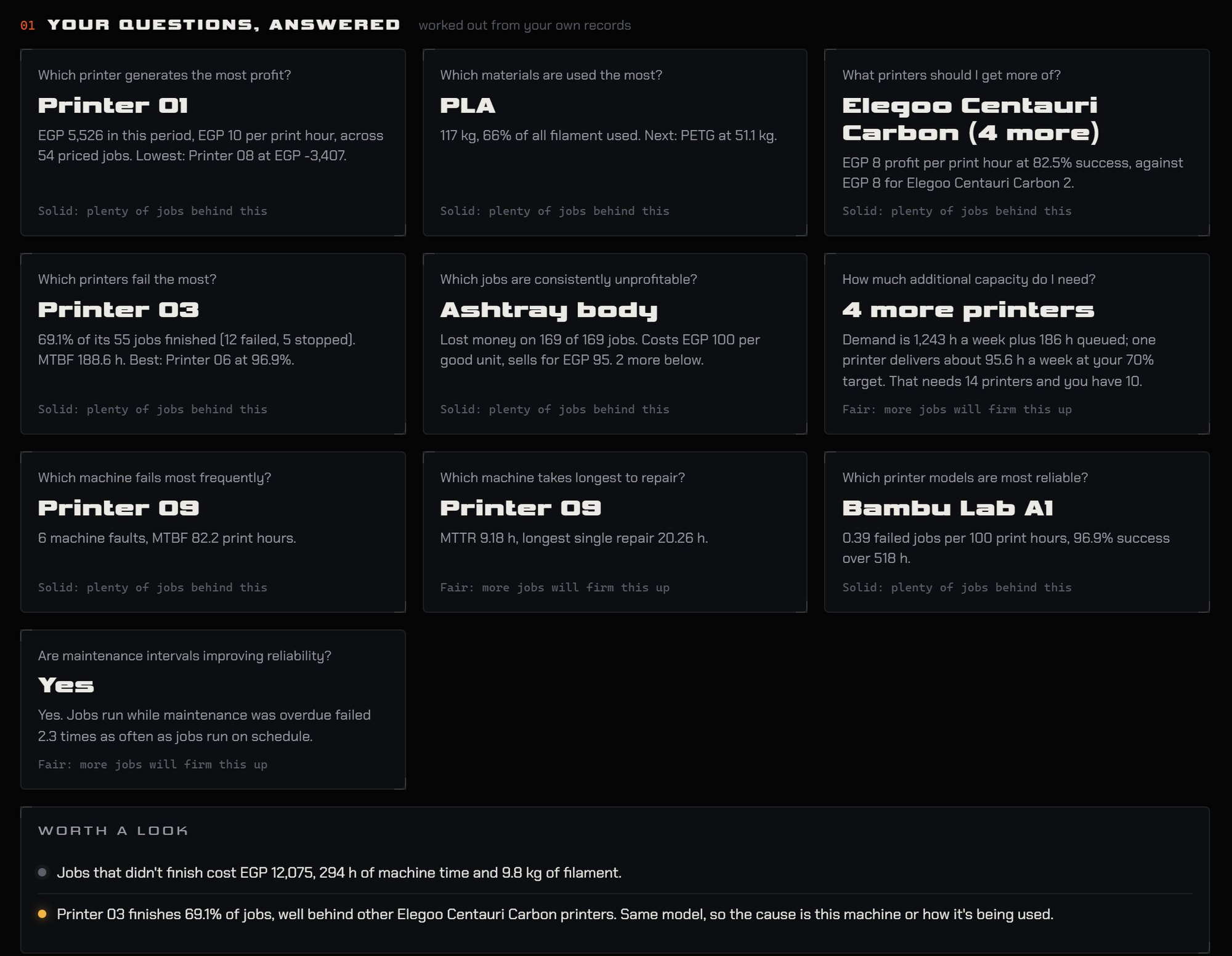
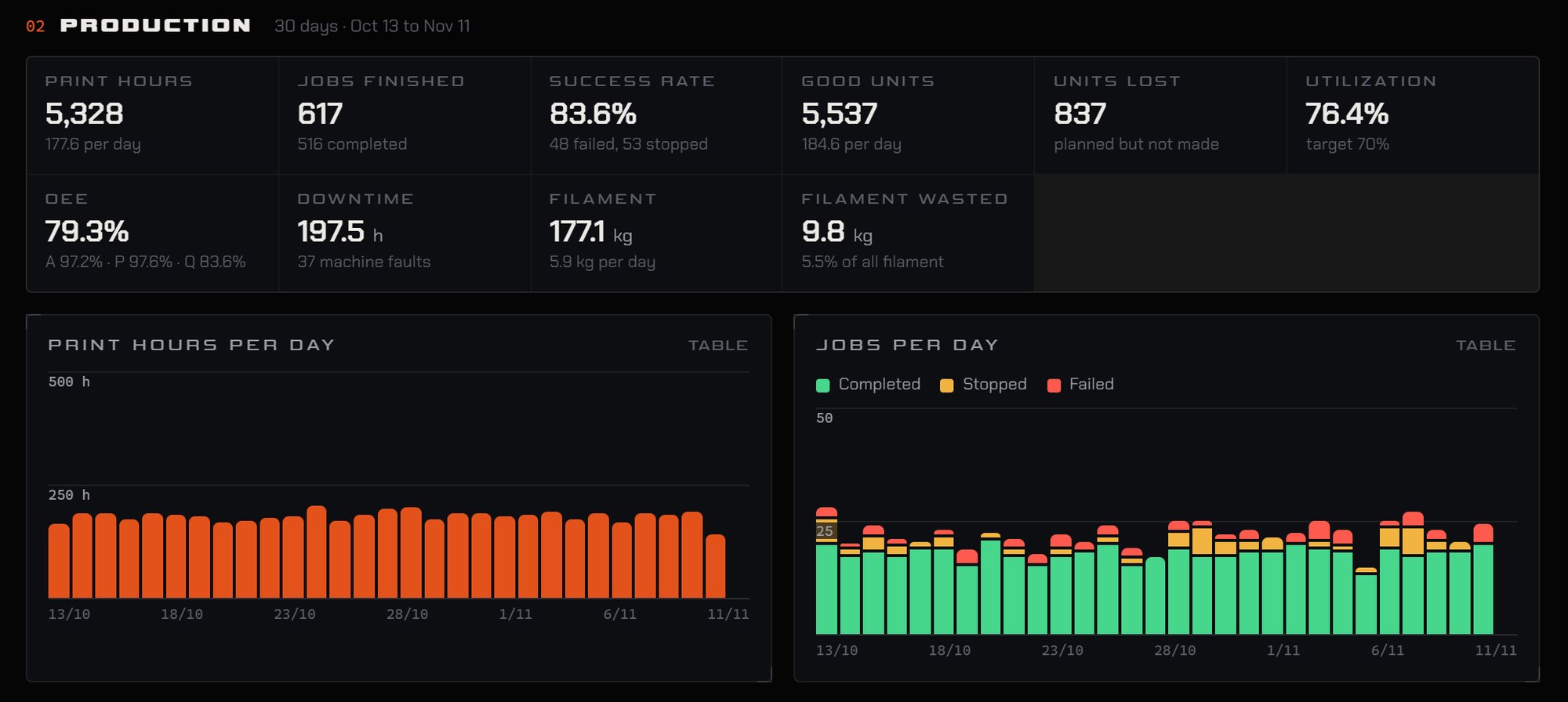
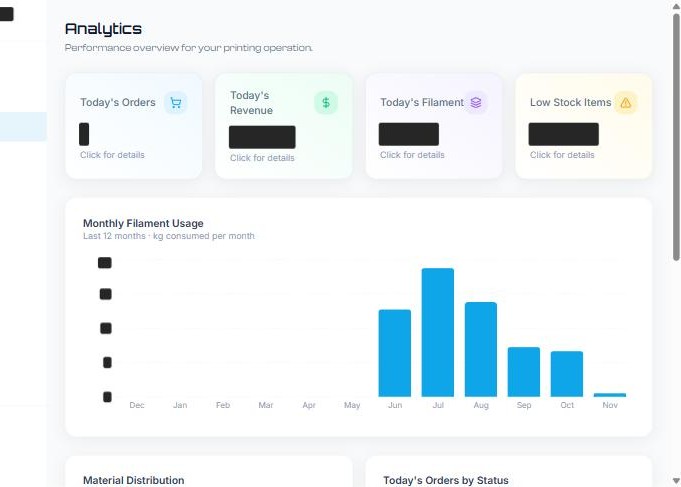
Optional · 4,000 LEPrint history turned into plain answers: which printers earn and fail most, what to buy next, how much capacity is needed.
AI Failure Detection
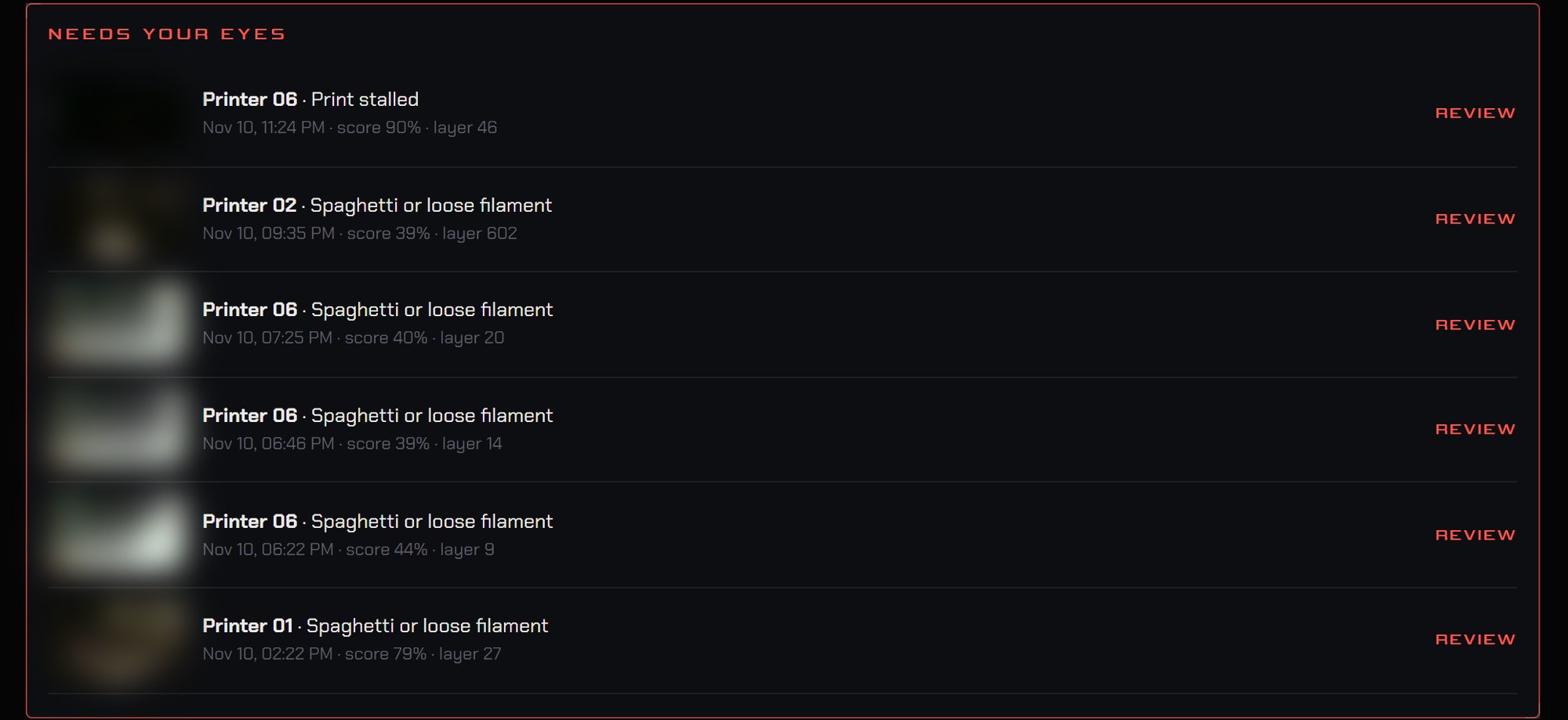
Optional · 5,000 LEAn AI model watches the printers' cameras on the office PC, with no cloud, and catches failures such as spaghetti early. Below are real detections: each strip shows the pictures leading up to the alert.




Timelapses / Media
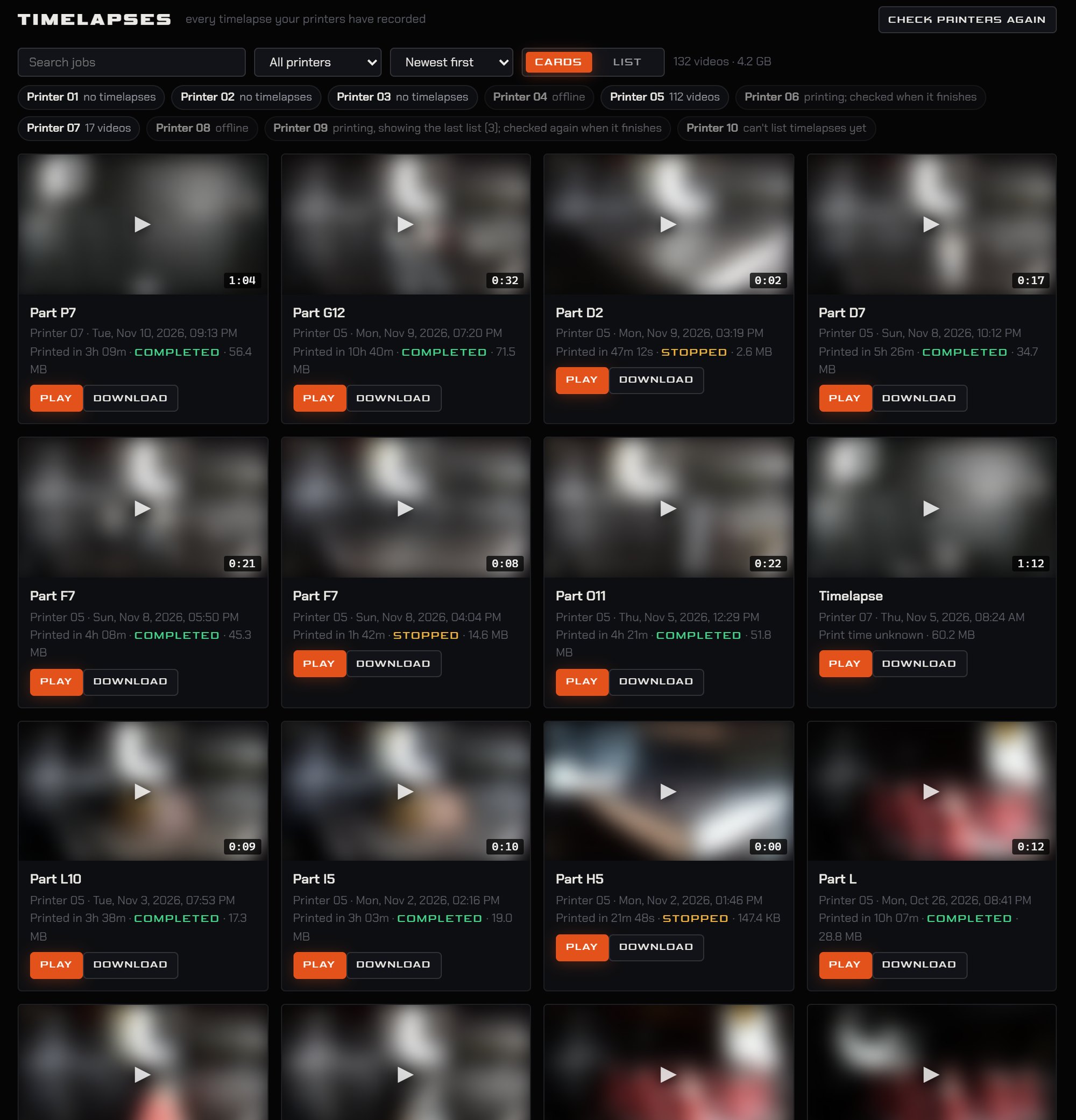
Optional · 2,000 LEEvery printer's time-lapses in one library: filter, sort, play or download.
Daily / Weekly Reports
Optional · 3,000 LEProduction reports written automatically at the end of every day and week, ready to open, print or export.
Open a sample weekly report →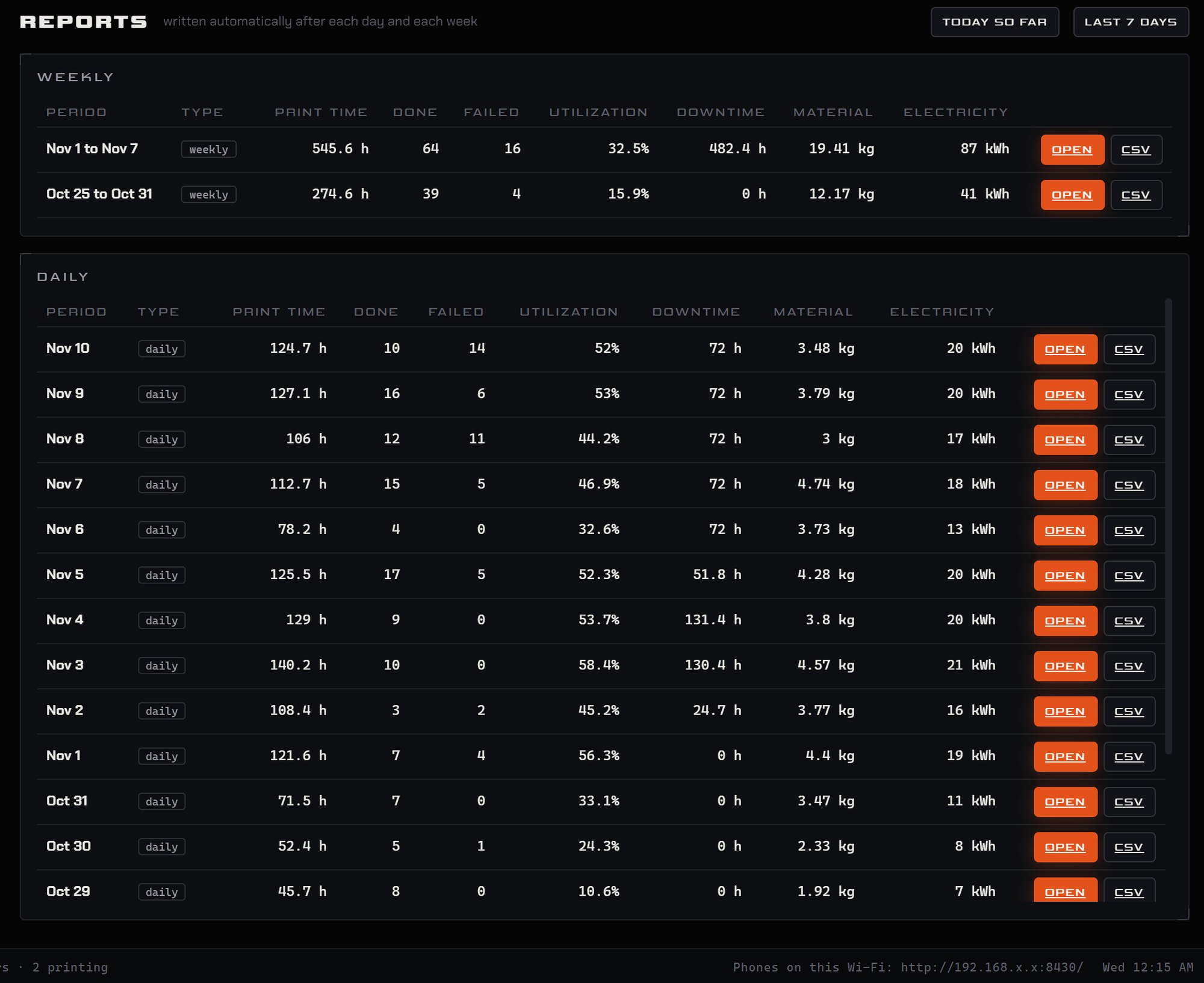
Maintenance
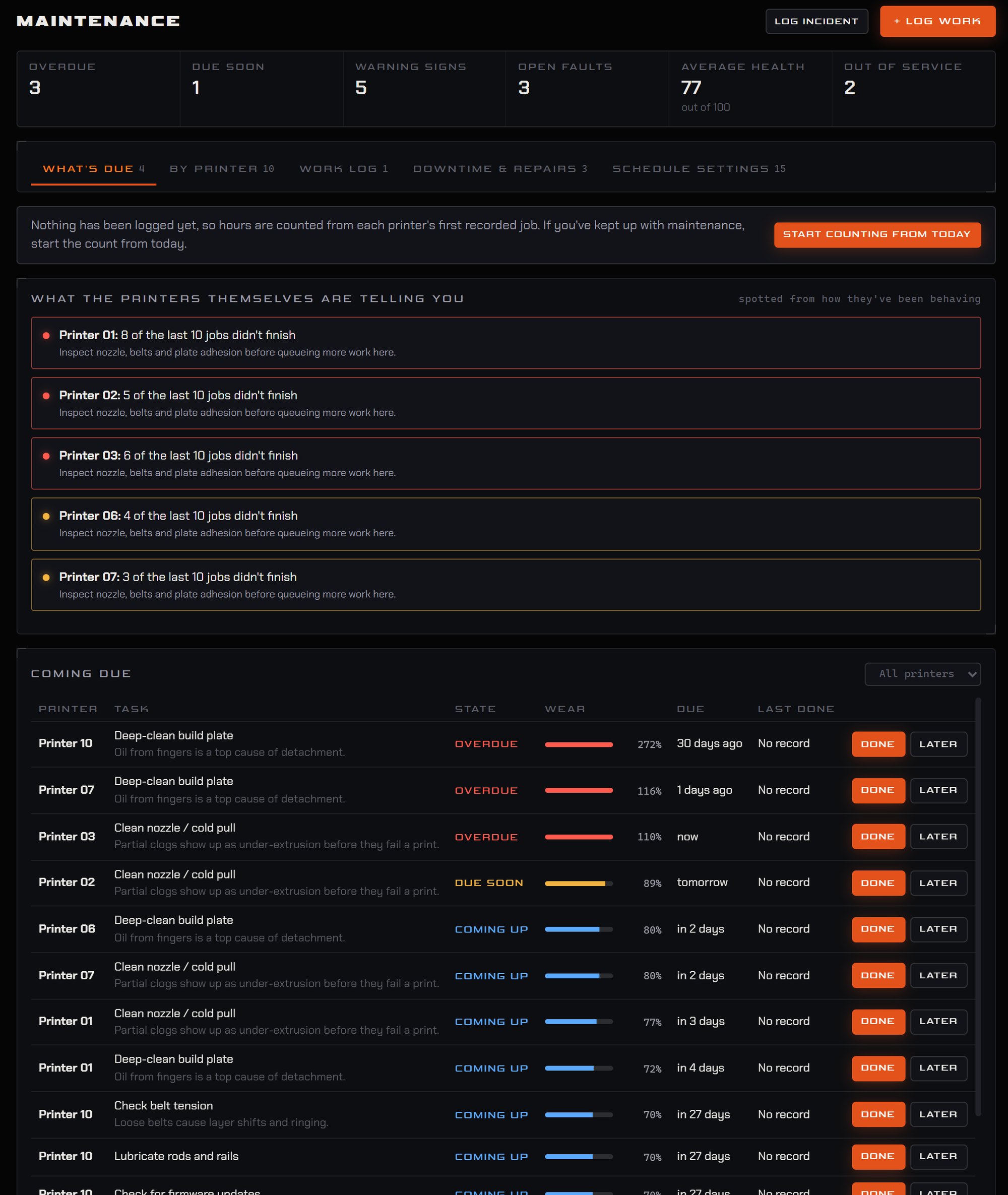
IncludedMaintenance due per printer, warning signs worked out from each printer's own behaviour, and a log of work done.